Introduction
For many professionals, hearing loss brings a unique type of workplace anxiety. It isn’t about your ability to do the job—you are an expert in your field. It is the fear of missing a critical figure in a budget meeting, misunderstanding a client’s instruction, or the exhaustion of trying to lip-read a pixelated face on a screen.
The modern workplace has changed. We have moved from quiet, private offices to open-plan spaces and hybrid models where half the team is on a laptop speaker. This acoustic environment is a nightmare for the auditory system.
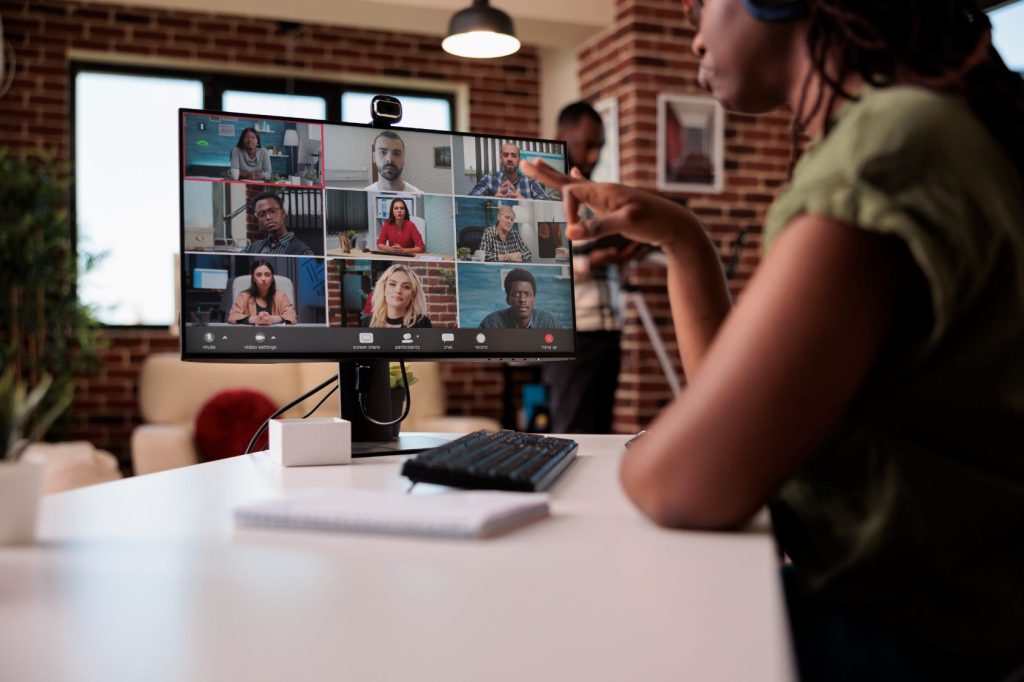
The Video Call Challenge (Zoom, Teams, & Google Meet)
Video conferencing has become a staple of professional life, but digital audio is often compressed, making speech sound “thin” or robotic. Combined with bad lighting and internet lag, lip-reading becomes nearly impossible.
How to optimize your video calls:
Embrace Direct Streaming:
If you wear modern hearing aids, stop struggling with computer speakers. Connect your hearing aids directly to your laptop or phone via Bluetooth. This pipes the audio straight into your ears, adjusted for your specific hearing prescription, bypassing background noise entirely.
Turn on Captions:
Most platforms (Microsoft Teams, Zoom, Google Meet) now have built-in “Live Captioning.” Turn this on. Even if they aren’t 100% perfect, they provide context clues that help your brain fill in the gaps.
Control the Visuals:
If you rely on visual cues, pin the speaker’s video so it stays large on your screen. If someone is backlit (a dark shadow against a bright window), politely ask, “I’m having trouble seeing you clearly, would you mind facing the light?”
The "Power Seat": Managing In-Person Meetings
Boardrooms are often designed for aesthetics (glass walls, hard tables), not acoustics. This creates an echo chamber that blurs speech. Where you sit matters just as much as how you listen.
Strategic Seating Tips:
Back to the Wall: Try to sit with a wall behind you rather than a window or a noisy open office. This reduces the noise coming from behind you, allowing your hearing aids’ directional microphones to focus forward.
The Middle Seat: In a long boardroom table, sit in the middle of one side rather than at the far end. This puts you equidistant from most speakers.
The “Good Ear” Strategy: If your hearing loss is asymmetrical (one ear is better than the other), position yourself so your better ear is facing the majority of the room or the key decision-maker.
The Secret Weapons: Accessories You Should Know About
Hearing aids are incredible, but in a noisy restaurant or a busy office, they sometimes need a teammate. There are specific accessories designed to bridge the gap in distance and noise.
Remote Microphones (e.g., Roger Pen, PartnerMic): These are small devices you can place in the center of a meeting table or clip onto a presenter’s lapel. They pick up the voice at the source and stream it wirelessly to your hearing aids. It feels like the speaker is whispering right next to you.
TV/Media Streamers: If you work in video editing or attend many webinars, a TV connector plugged into your PC can offer high-fidelity stereo sound without the lag of standard Bluetooth.
The Art of Advocacy (Without the Awkwardness)
Many people hesitate to mention their hearing loss because they fear it looks like a weakness. However, framing it correctly shows you are proactive and professional.
Phrases that work:
Instead of: “I’m deaf, speak up.”
Try: “I have some hearing loss, so I catch everything much better if we speak one at a time.”
Instead of: “What?”
Try: “I missed that last figure—did you say 15 or 50?” (This specific confirmation shows you were listening, just clarifying data).
The Recap: At the end of a meeting, send a follow-up email: “Just to recap our discussion to ensure we are aligned…” This confirms you understood the tasks without having to ask during the meeting.
Conclusion
Hearing loss should not be a ceiling on your career potential. In fact, many people find that once they treat their hearing loss effectively, their confidence skyrockets, and their work performance improves because they are no longer using all their energy just to “keep up.”
If you are struggling at work, come see us. We can adjust your hearing aid programs specifically for “Speech in Noise,” look into accessories for your office, or simply help you find the best solution for your specific work environment.
Don’t let the conversation happen without you. Book an appointment today to discuss your workplace hearing needs.
Frequently Asked Questions
1: Can diabetes cause permanent hearing loss?
Yes. Damage to nerves and blood vessels in the inner ear can become permanent if unmanaged.
2: Is hearing loss more common in Type 2 diabetes?
Both types increase risk, but Type 2 diabetes is more common overall.
3: Should people with diabetes get routine hearing tests?
Yes. Regular assessments are strongly recommended.
4: Can blood sugar control improve hearing?
It may slow progression and protect remaining hearing, even if damage can’t be reversed.It may slow progression and protect remaining hearing, even if damage can’t be reversed.
5: Are balance problems linked to diabetes too?
Yes. The inner ear affects both hearing and balance.